
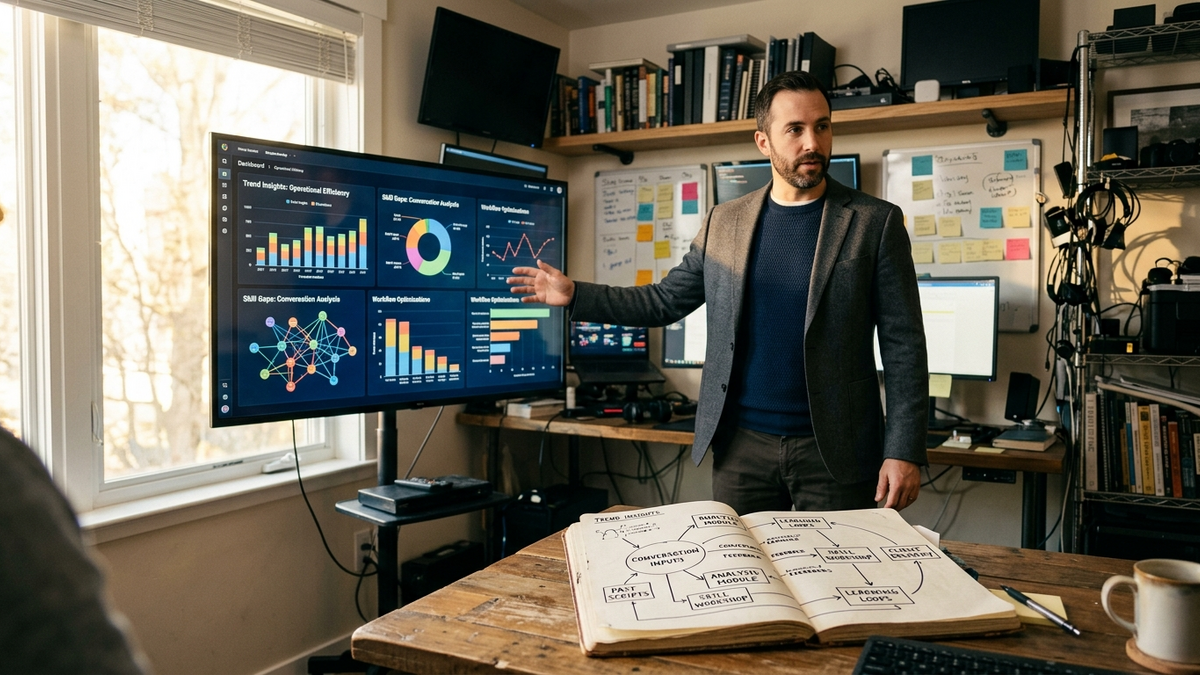
The clearest OpenClaw trend on Thursday, September 17, 2026 is that Skill Workshop has stopped being a background process. The v2026.9.4 release, published September 11, ships a visible “Learn from past conversations” chat you can follow, steer, or stop, alongside a unified Skills search across what is installed and what is on ClawHub (OpenClaw Docs: v2026.9.4 release notes). For solo founders, creators, and small-team operators, the practical shift is that self-improvement has moved from a checkbox into a workflow with its own controls.
What “Learn from past conversations” actually does
Inside Skill Workshop, the new “Learn from past conversations” entry opens a chat where the agent scans prior sessions, proposes improvements, and writes either automatically applied changes (Auto) or pending suggestions (Propose) (OpenClaw Docs: v2026.9.4, GitHub: openclaw/openclaw releases). The operator can add direction at any point, stop the scan, or watch it work in the same pane. Workshop also explains when automatic weekly reviews are paused because scheduling is off and links directly to the setting.
Two guardrails keep it operator-controlled. Starting the learning chat yourself does not flip on automatic self-learning, so the workflow stays opt-in. The release notes are explicit that old unfinished history scans cannot resume in the new flow, so the practical move is to start fresh and let the new chat finish.
For a solo operator, this collapses habits that used to live in separate places. The new chat surfaces patterns across weeks of work without exporting transcripts to a notebook, makes the resulting skill changes reviewable on the same screen the operator already uses for persistent Workshop skills, and gives the operator a single button to pause or redirect the scan. The compounding effect that v2026.8.1 enabled with automatic self-learning is now visible instead of implicit.
Unified skill and plugin discovery
The Skills page now searches installed skills and ClawHub together, so an operator no longer has to check two catalogs to know whether a capability already exists (OpenClaw Docs: v2026.9.4). Cards show which skills are ready versus which need setup, and switching agents in the picker reveals the skills available to that agent only.
In chat, the Claw can recommend up to three official plugins or skills and surface a card that opens the relevant detail page. Recommendations need the message tool enabled, and the install flow pauses for a review before anything is added. The Cron and Heartbeat operator stack the daily workflow depends on becomes easier to extend, because the operator can now confirm whether the right skill already exists before deciding to schedule another one. The install dialog preserves the latest choice and waits through the required restart before confirming completion, removing the “did it install or did it fail?” gap that used to show up when an operator walked away mid-flow.
Image generation and the small surfaces
GPT Image 2.5 Flare and Sunburst are available through OpenAI or fal, with custom sizes, higher quality, transparent PNG or WebP output, and up to five reference images through OpenAI or sixteen through fal (OpenClaw Docs: v2026.9.4). For a creator operator running a one-person shop, that means product hero images and quick thumbnail variants no longer require a separate image-generation workflow.
Deepgram Flux becomes an optional voice-notes transcription choice alongside the existing Nova default, and Gemini 3.6 Flash replaces the old default for unconfigured web searches so accounts that could no longer use the previous model keep working. None of these are headline moves, but they are the kind of small-surface swaps that determine whether an operator can keep the same agent on the same desk without juggling accounts.
Cloud workers and the operating-system choice
The cloud-workers section of v2026.9.4 is the part most likely to change how a small operator plans work. Ready workers keep an already-running computer available for the next matching session while OpenClaw prepares a replacement in the background, with one spare per project and profile by default and a shared limit of four (OpenClaw Docs: v2026.9.4, OpenClaw Docs: Cloud warm images and ready workers). These spares cost money until deletion is confirmed, so an operator can set the value to zero to disable the pool when the cost is not worth it.
Reuse of completed project setup now applies to new cloud sessions, whether the operator starts from a public GitHub repository URL or an eligible local project. Private repository URLs still get a fresh checkout when only the URL is supplied, while locally checked-out private projects can use the local-project route. The operator-facing effect is that the “first session of the day” tax goes away for any project an operator has already set up at least once.
The new operating-system selector lets a profile or session pick Linux, Windows, WSL2, or macOS when the provider supports it. Native Windows runs Windows commands; WSL2 gives Linux on Windows; macOS on AWS still requires a Dedicated Host with on-demand capacity, and desktop access and reusable worker images remain Linux-only (OpenClaw Docs: Placement and machine selection).
Azure cloud workers gain desktop access for both OpenClaw-managed and coordinator-managed setups, joining the providers that already supported it, while GCP desktops remain unsupported. The Team Reports plugin, which v2026.9.3 introduced for authenticated daily, weekly, and monthly reports, gets its own short URL (/reports) and full-width layouts inside the Control UI.
Terminal questions and chat-side polish
The terminal now accepts interactive questions, so a scheduled agent or a one-off CLI session can ask the operator for direction without breaking the run (OpenClaw Docs: v2026.9.4). For a solo operator who lives in the terminal, the practical effect is that a cron job or a debugging session can surface a real question and wait for an answer, instead of either guessing or failing.
The chat side picks up its own set of fixes. A slim message navigator on the left previews a message before jumping to it, so an operator can find a specific answer without scrolling through the whole conversation. Saved conversation and sidebar content appear during reconnects when the operator is signed in with a remembered Gateway token or a paired device.
What the operator playbook looks like this week
The shape of the September 17, 2026 operator workflow is now: pick one or two recurring know-how patterns, open Skill Workshop, and start a “Learn from past conversations” chat you can pause and steer. Search the unified Skills page before scheduling another cron job, since the right skill may already exist. On the cloud side, enable one ready worker per active project, pick the right operating system for the project’s build target, and back up OpenClaw’s data before any upgrade, because older versions cannot read the updated data format and rolling back the app alone is not enough.
The trend line is consistent with the September 7 through September 11 releases covered earlier (Swarm and Skill Workshop default, shareable sessions and persistent skills, searchable meeting transcripts). Skill Workshop is no longer a side panel; it is the place where the operator’s accumulated work turns into the next thing the agent can do on its own.
Sources
- v2026.9.4 — Plugin and skill discovery, visible skill learning, cloud-worker controls, GPT Image 2.5, and terminal questions — OpenClaw Docs release notes.
- Releases · openclaw/openclaw — GitHub release index confirming the v2026.9.4 ship on September 11, 2026 with 1,558 pull requests and 294 contributors.
- Skill Workshop reference — OpenClaw Docs.
- Skills loading order and search — OpenClaw Docs.
- Cloud worker warm images and ready workers — OpenClaw Docs.
- Cloud worker placement and machine selection — OpenClaw Docs.
- OpenClaw v2026.9.4 brings plugin discovery and skill learning you can steer — community summary, September 2026.