
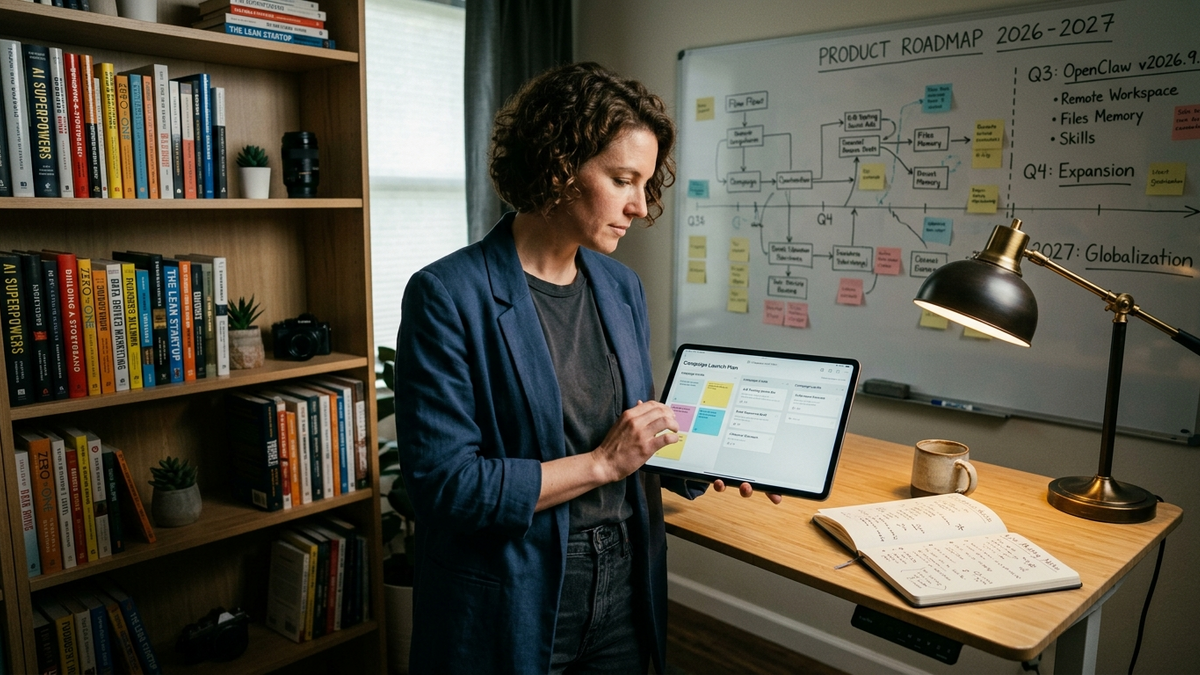
A practical OpenClaw trend on Thursday, September 24, 2026 is that meetings and cross-machine work are collapsing into a single operator session. The v2026.9.6 release, published by the OpenClaw team on September 23, 2026, ships two complementary features aimed at small operators: live meeting notes that update while a Google Meet, Microsoft Teams, Zoom, or voice capture is still recording, and remote workspaces that now expose Files, Memory, and Skills on the paired computer where an agent's workspace actually lives. Read together, those changes move solo founders, creators, and SMB teams a step closer to a workflow where one person, one laptop, and a second workhorse machine can run a client-facing meeting and the behind-the-scenes work on the same chat thread.
That shift is the natural next step from the September 9 release, where the project first indexed saved meeting transcripts as searchable memory. v2026.9.6 pushes that pattern earlier in the call and teaches OpenClaw to send attachments and discover Skills on a paired-node computer rather than only on the Gateway. The result feels less like dictating notes to an assistant and more like running a small studio where the meeting, the working files, and the agent all see each other in real time. Earlier coverage on custom skills already pointed toward this direction; v2026.9.6 turns the handoff into a first-class feature.
Live notes turn the meeting itself into a workspace
The live meeting notes section of v2026.9.6 lets an operator open the Meetings page and watch a draft summary refresh every few minutes while the meeting is still running. When capture ends, the final notes replace the draft, and the saved transcript stays reachable in its own tab so the operator can flip between the summary and what was said. The release notes are explicit about scope: the feature works with captured voice and the documented Google Meet, Microsoft Teams, and Zoom meeting plugins, transcription can lag the conversation, and the notes are generated with the configured chat model under normal usage charges and existing summary input limits. Operators with write access can also generate missing notes after the fact.
For a solo founder running discovery calls, a draft summary is on screen before the call ends, so the follow-up email can be drafted against a written record instead of a remembered impression. For a creator hosting a podcast interview, the same live notes surface quotable phrases and timestamps while the guest is still talking. For a small agency billing against client time, the saved transcript and the live summary stay in the same place the operator already works, which makes handoffs to scheduled jobs cleaner because the meeting is no longer a one-off chat artifact.
Remote workspaces route files, Memory, and Skills off the laptop
The second piece of v2026.9.6, Files, Memory, and Skills in remote workspaces, changes what "local files" actually means for an agent. Uploaded attachments are now delivered to the computer where the workspace lives, finished files generated in the remote workspace come back to chat, and Memory files plus supported workspace Skills are available on that same remote machine. Transfers default to 50 MiB per file, and the release notes warn that uploads hold the admitted file in memory while the turn runs. A documented workspace adapter is required, current file and command grants must be in place, and the Gateway and paired node must run matching OpenClaw versions. Skills on the paired machine can be discovered, read, watched, and have their dependencies installed there, but remote Skill source installation, updates, removal, and ClawHub management remain unsupported.
In practice that distinction matters for SMB and creator workflows. A marketing consultant can keep a private asset library on a home-office tower while running conversations from a travel laptop; the agent on the road receives uploaded briefs, uses the home machine's licensed fonts and templates through Skills, and sends finished files back to the chat. A video editor can keep render queues and large project files on a studio workstation while the agent works against that workstation from a phone or a borrowed laptop. A small e-commerce operator can run an OpenClaw session against a paired inventory laptop without copying customer spreadsheets onto every device the operator touches. In each case, the operator's day is no longer built around syncing folders between machines, which is the kind of invisible labor that quietly drains a one-person operation.
What the two features look like together
The strongest operator pattern in v2026.9.6 is the combination. A live client call runs on a meeting platform with OpenClaw capturing notes; the operator asks the agent to pull the transcript into the workspace and produce a follow-up summary. Because the workspace lives on the paired machine, the summary lands next to the operator's campaign assets, CRM export, or editorial calendar instead of inside the Gateway's local disk. The release notes treat this as a single workflow rather than two unrelated features, and the new Doctor guidance and macOS-side health-check messaging protect the handoff when something fails. A separate issue note on the v2026.9.6 macOS app is worth reading before solo Mac operators auto-update; the Sparkle feed has been pulled pending a 2026.9.7 hotfix, while the npm and Gateway package remain unaffected.
That pairing is also where the cost story becomes interesting for small teams. With Decisions Models and the new chat-model lineup covered earlier in this week's release notes, live notes can be generated by a cheaper configured model while the chat surface stays on a flagship. Remote Skill execution keeps large file work off the laptop, so the operator is not paying for slow uploads, repeat preprocessing, or context-cluttered local chats. Earlier 30-day Usage reporting and cost-controlled specialist stacks coverage laid the groundwork; live meeting notes plus remote workspaces give that cost model a daily rhythm a solo operator can actually feel.
What small teams should verify before turning it on
Two practical checks are worth running before relying on the new pattern. First, the v2026.9.6 release credits 2,614 pull requests, 178 direct commits, and 351 contributors, so any operator pairing a node to the Gateway should confirm the two installs report matching versions, the workspace adapter exposes a memoryFiles capability, and current file and command grants are in place. Second, the release warns that revoking a remote Memory adapter does not retract results already read or retained, and that embedding requests or multi-step diary updates may continue after the original access checks. For a creator handling client deliverables, that means the operator owns the audit trail even after the workspace session ends. The release notes index and the meeting plugins documentation are the right starting points for both checks.
Read end to end, v2026.9.6 is the release where OpenClaw stops pretending a meeting is separate from the work it drives. For a solo founder, creator, or small-team operator, the September 24, 2026 trend is that a single chat thread can now see the live call, the working files on a second machine, and the Skills that turn transcripts into deliverables — without the operator retyping a single handoff.