
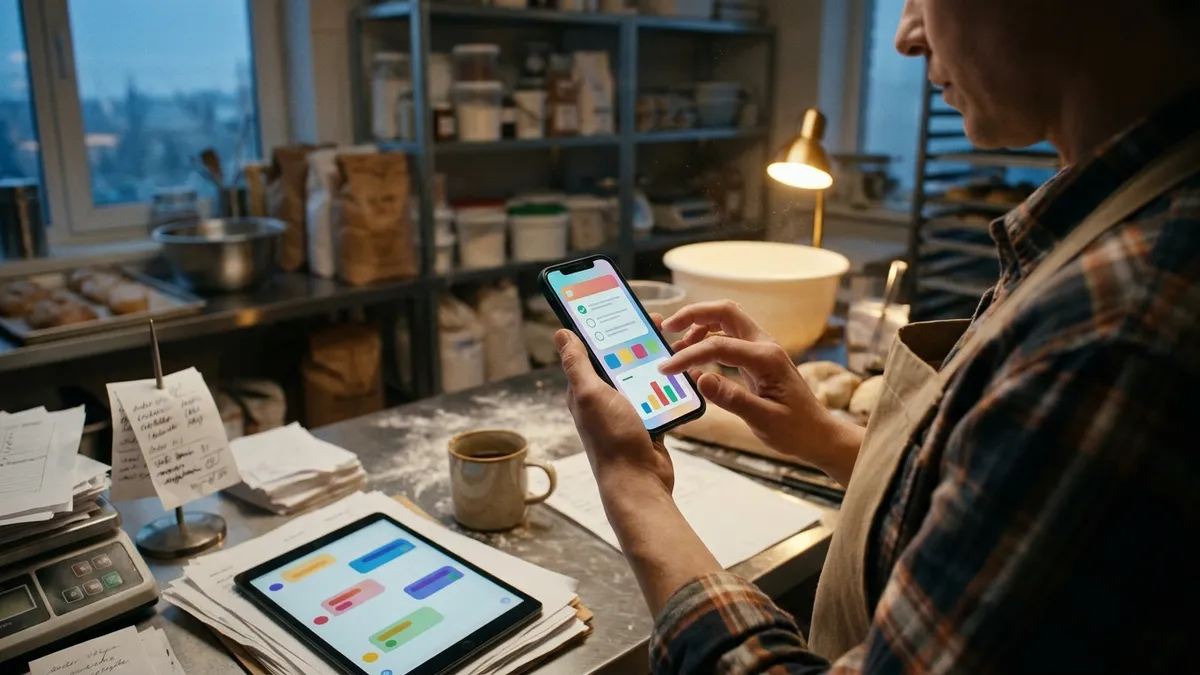
The OpenClaw 2026.11.5-beta.4 pre-release, published on November 16, 2026, lists one new feature under Changes: “Render interactive widgets as Telegram messages.” The same notes carry a Telegram fix entry that includes one that makes agent inline buttons deliver the tap to the agent. For a solo operator or small business that talks to its assistant through a Telegram bot, the two changes together mean the bot can send a small interactive card, such as a checklist or a chart, and act on the buttons a person taps inside it. Neither change is in the current stable release, 2026.11.4.
Telegram added widgets to its Bot API one week earlier
The OpenClaw feature depends on a Telegram platform change. The Telegram Bot API changelog records Bot API 10.4 on November 9, 2026 under the heading Widgets. It added a sendWidget method, a widget_query update for requests sent from a widget to its bot, and an editMessageWidgetData method that lets a bot change a widget’s data in an existing message. The changelog states that in production, widgets can currently be sent only to private chats, and that sent widgets have protected content and cannot be forwarded.
Telegram’s widget guide describes a widget as one self-contained HTML document with inline CSS and JavaScript, limited to 32 KB of HTML and 4 KB after compression. The guide says Telegram apps run the code on the user’s device in a sandbox with no network access. A widget has fixed code and changeable state, and only the bot can write that state. The widget’s one way to reach the bot is a request of up to 64 bytes.
How OpenClaw uses it
OpenClaw already had a core tool for this kind of output. The show_widget documentation describes it as a tool that shows a self-contained HTML widget on the user’s current surface, which until now meant the Control UI, the OpenClaw mobile and desktop apps, and Discord Activities. According to the pull request that added Telegram support, an agent in a Telegram private chat could not show these dashboards, charts, checklists or polls before this change and fell back to text tables or images.
The feature is off by default. The Telegram rich messages documentation shows the setting as channels.telegram.widgets: true, with a per-account version at channels.telegram.accounts.<id>.widgets. The documentation gives the reason: older Telegram clients cannot render widgets, so the setting should stay off unless every client used with the bot is current. The /status command reports whether widgets are on. With the setting off, show_widget behaves as it did before.
When a person taps a button inside a widget, the documentation says the request reaches the agent as widget_request followed by the data. The agent answers by calling show_widget again with only a new state of at most 1,024 bytes. That updates the tapped widget in place, without an edited mark or a new message. New widget code always produces a new message, and a typed message from the person always starts a new one, so the chat keeps its order. The pull request adds that each tap message carries the widget’s stored state and code, so a widget still works after /new or after the conversation is compacted.
A trial run before anything is sent
Because Telegram runs the widget in a restricted sandbox, code that works in a browser can fail in the chat. OpenClaw runs each widget once before sending it. The documentation says the trial run uses QuickJS with a stand-in DOM, runs the widget’s timers, and taps every enabled button. Script errors, endless loops, unsupported CSS such as vh, sticky and color-mix(), network use, and element or CSS rule limits go back to the agent to fix, and the widget is not sent until they pass. Findings that are only approximate, such as more than 16 translucent or shadowed elements or undefined shown on screen, are passed to the agent as notes while the widget is still sent.
The pull request gives the bounds of that check: it runs on a shared compute pool with a 1 second and 64 MB limit, and it was written from Telegram’s public widget documentation rather than from Telegram client code. Widgets that use web APIs the check does not model, such as URL, are sent without the check.
Limits on what a widget can trigger
A widget button is a way for a chat message to start an agent turn, so the pull request sets limits on it. Taps are accepted only from allowlisted senders, checked against the live configuration on every tap. Widget code cannot send / or ! commands. The documentation states that each widget gets at most 10 requests per minute, and the same request text reaches the agent only once per minute. Operators who already restrict who can message their bot, as described in this site’s OpenClaw chat apps guide, keep the same boundary for widget taps.
Agent buttons now reach the agent
The second change fixes an older problem with ordinary inline buttons. According to pull request 196217, tapping an inline button that an agent sent with the message tool removed the keyboard and replied “This action is no longer available” instead of passing the choice to the agent. The pull request notes that the agent’s own system prompt recommends exactly this button shape, so every agent-authored Telegram choice failed. After the fix, the tap reaches the agent as callback_data followed by the button’s value. Buttons sent before the upgrade keep the old format and still expire when tapped.
The same release entry covers related button fixes. Buttons marked as disabled, for example a “Selected” label after a choice, no longer produce a callback when tapped. Approval cards requested inside a private bot topic now stay in that topic instead of moving to the main direct message, which is relevant to anyone who uses the setup described in the OpenClaw Telegram groups and topics guide.
What this changes for a small operation
For a one-person business, the practical effect is a shorter loop between a scheduled report and a decision. A morning summary from a scheduled OpenClaw job can arrive as a checklist with buttons in a private Telegram chat, and a tap returns the choice to the agent. The workflows in the founder daily operations guide are examples of the reports that could use this format. The limits are also concrete: widgets work in private chats only, they cannot load images or libraries from the web, and every person using the bot needs a current Telegram app.
Checklist before turning widgets on
- Confirm the Gateway is on the beta channel. Stable 2026.11.4 does not include widgets or the button fixes.
- Update Telegram on every device that talks to the bot before setting
channels.telegram.widgetsto true. - Run
/statusin the bot chat and confirm it reports widgets as on. - Check that the bot’s sender allowlist covers only the people who should be able to start agent turns.
- Expect buttons sent before the upgrade to expire, and ask the agent to send new ones.
This site’s report on the 2026.11.4 stable release covers the reply delivery fixes now on the stable channel, and the report on the earlier 2026.11.5 beta covers the rest of this pre-release line. The AI agent harness guide compares how other agent systems handle chat surfaces.