
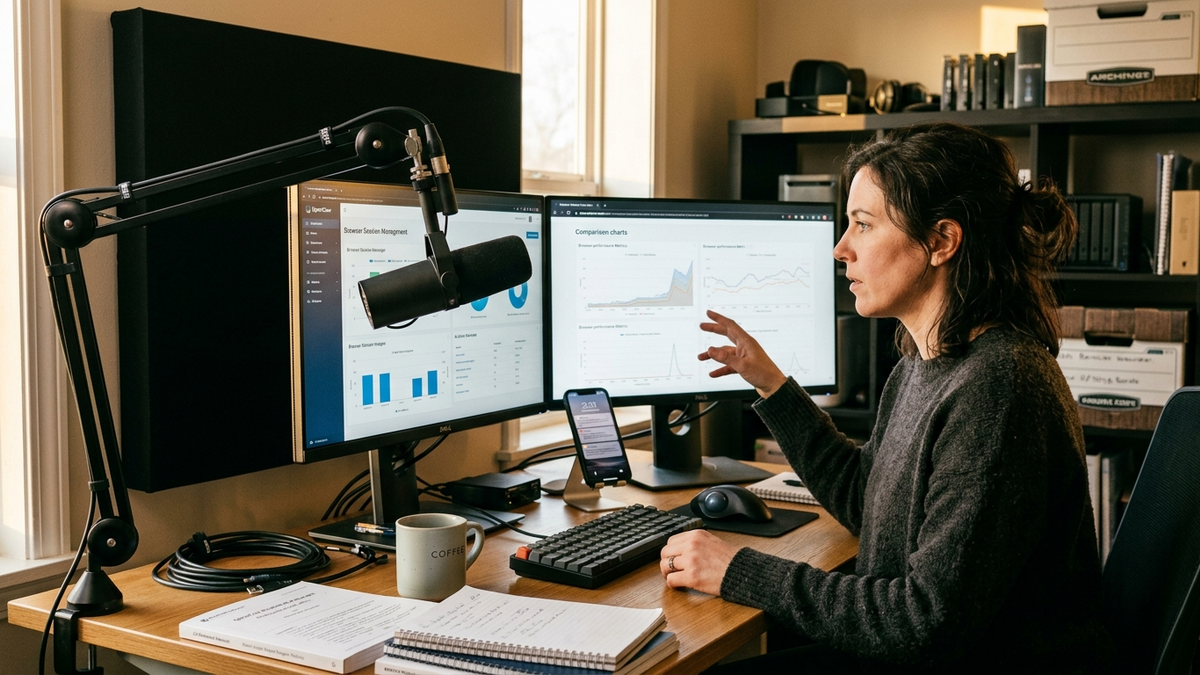
The clearest OpenClaw trend on Wednesday, September 23, 2026 is that one person running a one-person business can now sit beside their agent on the same browser page, and can keep months of conversation history searchable without paying for cloud infrastructure. The trigger is OpenClaw v2026.9.5, shipped September 19, 2026 with a shared Browser dashboard widget and opt-in cold storage for inactive sessions.
Earlier coverage on this site set the stage. The September 9 article on shareable sessions and persistent skills mapped how a human hands off work; the September 22 piece on guided specialist teams and Atomic Updates mapped how a single operator stands up a recoverable crew. What 2026.9.5 adds is the missing interface layer: a place where the human and the agent look at the same screen at the same moment, and a place where accumulated memory can live for months without filling a laptop.
Shared Browser dashboards turn the agent from a tool into a co-pilot
The new Browser dashboard widget is documented under share a browser dashboard with your agent. The mechanic is straightforward. An operator asks the agent to pin a live page to a dashboard tab. The widget runs inside a managed local browser profile that OpenClaw creates itself, so the page signs in with the agent’s session, not the cookies on the operator’s phone or laptop. The Control UI streams that tab back, so HTTP apps keep working even when the Control UI itself is on HTTPS.
For small businesses and creators, the practical consequence is that the agent and the operator now share a working surface that is neither a chat thread nor a screenshot. A Shopify owner can sit at their desk while the agent opens the Meta Ads manager, switches to the past-30-days view, and surfaces the campaign that needs attention. The owner types a correction in chat. The agent reads the same page, makes the change, and confirms in the same view. The human stays in charge of the final action.
The behavioral detail matters too. The widget uses an OpenClaw-managed openclaw profile by default. Optional props.profile can pick another local managed profile, but attached personal browsers, node routing, and remote browser profiles are not supported. That is a constraint, not a bug. A solo operator who runs regulated client work can stay on one identity for vendor portals, keep personal banking on a separate browser, and let OpenClaw drive the work browser without contaminating either. The browser-control knowledge page walks through the older browser automation, and the dashboard widget is the natural next step from watching to co-piloting.
Cold storage turns a six-month inbox into a searchable archive
The second operator-facing change is opt-in cold storage for sessions, documented under configuration — agent sessions. A solo operator can now set coldStorage to compress older, inactive transcripts. It is off by default. Once enabled, archived conversations become searchable again when reopened, and they do not cost the operator RAM during normal daily use.
That combination matters most for the people who run an agent all day and cannot afford to lose history. A solo accountant who handles book reconciliation in 90-day chunks can keep three years of reconciliations searchable without holding the entire transcript in memory. A creator who runs weekly newsletter issues can recall any draft they ever shipped by date. None of these require paying for a hosted archive. The cold-store directory lives on the operator’s own machine, encapsulated under ~/.openclaw/agents/{agentId}/sessions/.
The configuration knobs are intentionally restrained. coldStorage.afterDays defaults to 30, which means a conversation that has been inactive for a month is compressed on the next maintenance pass. pruneAfter is a separate dial that removes very old sessions entirely, and archiveDashboardAfter moves abandoned dashboards into the same lower-cost bucket. The backup guide still applies: cold storage is not a backup target, and a backup taken before upgrade is required when rolling forward to 2026.9.5 because the release changes the conversation database even with archiving off.
Why file-based skills make this the natural moment
The architectural argument shows up in the wider agent ecosystem. Anthropic’s Equipping agents for the real world with Agent Skills engineering post explains that a SKILL.md file’s metadata loads into the system prompt at startup while the full instructions load only when the model decides the skill is relevant. That separation — metadata always present, body loaded on demand — is what makes skills cheap to maintain. The Anthropic skills repository and the live Claude Code skills documentation confirm the pattern.
For an OpenClaw operator, the same pattern shows up across the knowledge pages. Custom skills behave like SKILL.md files in a local skills folder. Cron jobs and heartbeats turn scheduled work into re-runnable files. The browser dashboard adds a co-piloting surface. Cold storage keeps those runs searchable later.
What small businesses and creators actually do with both
A solo founder installs the dashboard widget on the vendor portal they check every morning. They let the agent change filters and surface rows that match a rule the human defined. They watch the page while the agent works, intervene once, and trust the routine. After a month, the founder turns on cold storage. Founder daily ops already covers this rhythm, and the new pieces tighten it: the agent is no longer a separate browser to remember to open, and the history is no longer a tab hoard to fear clearing.
For a creator on a multi-channel release schedule, the work looks different. The newsletter production workflow takes the agent through research, drafting, and review. The shared Browser dashboard is where the agent and the human look at the live preview together. Cold storage is where last quarter’s drafts sit. Sales prospecting follows the same shape: the agent drives the lead source, the operator watches the page, and the conversation history stays searchable.
Limits and what to watch next
Both features draw their power from being local first. The shared Browser dashboard works through a managed browser profile, which means the operator is responsible for login state on the sites they let their agent drive. MarkTechPost’s September 19, 2026 coverage treats the same release as mainly an Atomic Updates story, and the operator consequence is similar: keep a verified backup, because rollback cannot undo database migrations.
Cold storage carries its own limits. It is off by default, the compressed transcript is not a separate file format, and an archived conversation is only restored when actively reopened. That is enough for a one-person operation that wants months of search. It is not a substitute for an exports-driven backup plan or for the release feed that an operator should subscribe to. The trend line, however, is straightforward: the boundary between “ask the agent to do the work” and “watch the agent do the work next to me” is fading for solo founders, creators, and small teams who can install their own tools.
For a one-person business in late September 2026, the operating system is already on the laptop. The browser page can be shared, the conversation history can be archived, and the next step is filing the skills that drive them into a folder the operator owns.