
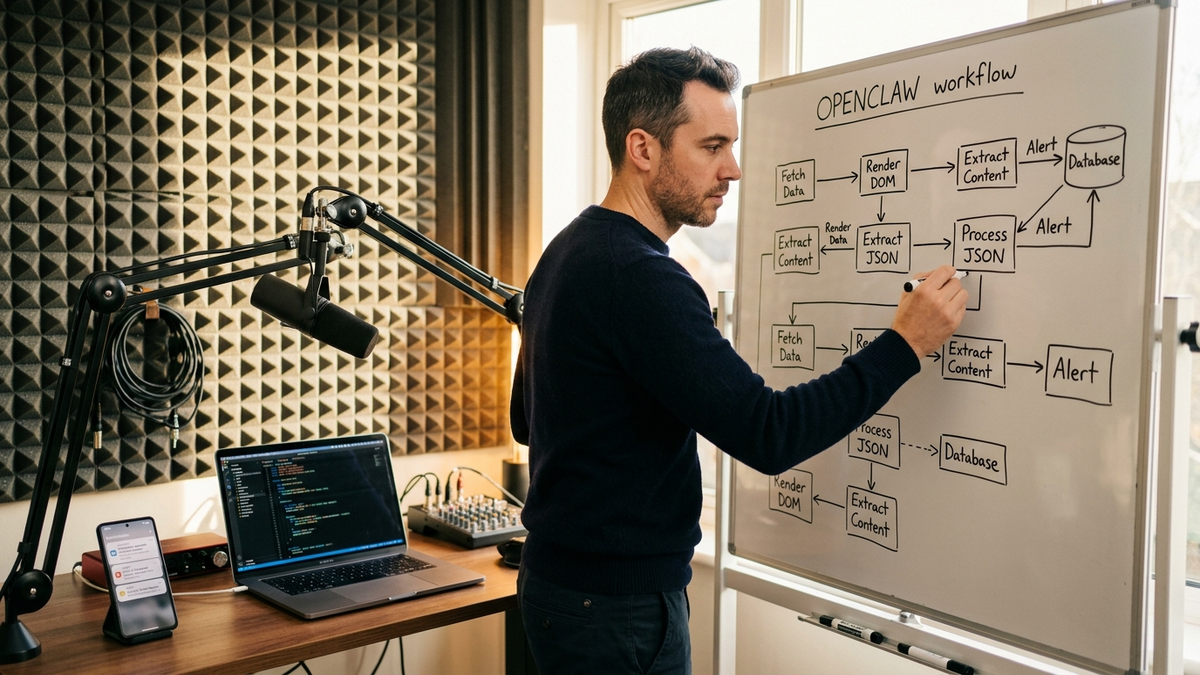
On Tuesday, September 29, 2026, the practical OpenClaw trend for solo creators, freelancers, and one to five-person SMBs is not another chat-model headline. It is the v2026.9.6 release's quiet, bounded adapter for the Lightpanda headless browser, an engine written from scratch in Zig that uses a small fraction of headless Chrome's memory, runs through the same Chrome DevTools Protocol surface the operator's Puppeteer and Playwright scripts already speak, and pins to Lightpanda 0.4.1 in the official Lightweight browsers documentation. The same browser tool that runs the operator's browser control workflows now exposes Lightpanda as an opt-in engine for text and DOM tasks, with Chromium kept in place for screenshots, PDF output, and any workflow that still needs a full visual browser.
What the v2026.9.6 adapter actually adds
The OpenClaw v2026.9.6 release notes ship a single line: "Add bounded Lightpanda browser transport compatibility." The line is doing significant work. The Lightweight browsers documentation is explicit that Lightpanda is "an opt-in engine for text and DOM browser tasks. It uses the same OpenClaw browser tool through an explicitly configured profile." Both engines share the same profile selection, route admission, and session lifecycle, and report availableEngines through the same browser status command. The operator does not pick up a second tool or config file. They pin a profile, run the same Playwright or Puppeteer script, and the adapter routes CDP traffic to the Lightpanda binary instead of headless Chrome.
The OpenClaw adapter stays MIT-licensed. The Lightpanda engine is AGPL-3.0-or-later, the OpenClaw artifact review draws the boundary: self-hosting Lightpanda for the operator's own cron jobs is fine; bundling the binary into a paid SaaS the operator sells is not.
Why the cost math matters for a one to five-person operator
The Lightpanda demo benchmarks are measured on an AWS m5.large, requesting 933 real Amiibo demo pages through chromedp, with Google Chrome 143.0.7499.169 as the comparison. A single Lightpanda process crawls the 933 pages in 51.68 seconds at 27.2 MB. Twenty-five Lightpanda processes finish in 4.81 seconds at 123 MB. Single-process Chrome takes 1 minute 22.83 seconds at 1.3 GB, and 25 Chrome tabs take 46.70 seconds at 2.0 GB. The Lightpanda repo rounds the same data to "16x lighter and 9x faster than Chromium" at the 25-process breakpoint.
For a solo operator running a nightly price-monitor cron, the workflow is now: rent a 4 GB Hetzner or DigitalOcean VPS at $24 a month, install Lightpanda 0.4.1, pin the OpenClaw browser profile to it, and let the same Gateway that already runs the operator's cron jobs and heartbeats schedule a 25-process Lightpanda pool that finishes the crawl before breakfast. Peak memory of 123 MB leaves room for the Gateway, a small Postgres, and the cron daemon on the same box. The same workload on headless Chrome would need an 8 GB VPS. For a one-person company that has been quietly budgeting $80 to $200 a month for a hosted browser-automation service, the September 2026 news is that the equivalent workload now fits on the same VPS the operator already pays for.
What a solo creator ships this month
Three workflows move from "needs a vendor" to "fits in an afternoon". Nightly price monitoring: a freelancer running a small e-commerce storefront uses the Gateway's existing cron to spin up a Lightpanda session against each competitor's product URL, scrape the price and stock badge, and write the diff to a Postgres table the operator reads on the morning dashboard. The 9x speed advantage at 25 parallel processes means the operator can monitor 200 SKUs a night in under five seconds of browser time. Lead generation: a two to five-person agency uses the same AI lead-generation pipeline to scrape business directories, extract emails and phone numbers, and route qualified leads into the CRM. SEO auditing: the operator runs an OpenClaw SEO automation cadence that crawls client sites overnight, extracts titles, meta descriptions, canonical URLs, and structured data, and writes a daily scorecard the operator can hand to clients before they wake up.
The browser control knowledge page covers the broader surface. The Lightpanda adapter's role is narrow on purpose. The docs describe it as an "explicitly selected, attach-only external engine with one page per connection and no automatic read replay after session loss." That is the right tool for a nightly batch job that fetches pages, walks the DOM, and shuts down. The pattern the docs imply is exactly the one a small-team operator reaches for first: keep Chromium as the default for interactive work that needs visual fidelity, and pin Lightpanda to a second profile for cron-driven text and DOM work that has to be cheap.
The implementation playbook
- Confirm the operator's v2026.9.6 install with
openclaw --versionandopenclaw browser status. The status command reportsavailableEngineswith both Chromium and Lightpanda once the binary is registered. The OpenClaw setup page covers the install path. - Install Lightpanda 0.4.1 via the official Lightweight browsers examples. The Linux and macOS one-liners pin the binary, verify the SHA-256 against
deploy/lightpanda/SHA256SUMS, and run the engine on127.0.0.1:9222. The Docker path isdocker run -d --name lightpanda -p 127.0.0.1:9222:9222 lightpanda/browser:nightly. - Add a second browser profile pointing the
browsertool atws://127.0.0.1:9222withengine: lightpanda. The Chromium profile stays untouched and remains the default for screenshots, PDF output, and the operator's existing browser workflows. - Reuse the same Puppeteer or Playwright script. A
puppeteer.connect({ browserWSEndpoint: 'ws://127.0.0.1:9222' })call lands on Lightpanda, and the samepage.goto,page.locator(...).textContent(), andpage.closecalls behave the same way. - Wire the Lightpanda profile into the existing cron jobs and webhooks. The 4.81-second, 123 MB peak at 25 processes is the budget the operator plans against when sizing the VPS.
- Audit the bill against the new engine. A solo operator running 200 Lightpanda cron jobs a month on the same VPS that hosts the Gateway effectively pays the cost of a CPU second per job. A hosted browser-automation vendor typically bills per minute and lands at $50 to $200 a month for the same workload. The 30-day Usage report from v2026.9.6 ties every browser run to a session creator, so the operator can defend the move in one conversation.
- Plan for the licensing boundary. The OpenClaw adapter is MIT; the Lightpanda engine is AGPL-3.0-or-later. A solo operator who keeps the engine inside their own Gateway is fine. A small agency that wants to resell a "Lightpanda inside our SaaS" bundle is not.
What is still hard, and what is getting easier
The honest version is that Lightpanda is a text and DOM browser, not a visual one. The docs flag the limit: "Lightpanda remains an explicitly selected, attach-only external engine with one page per connection and no automatic read replay after session loss." A solo operator who tries to render a complex web app behind a login wall and capture screenshots will be disappointed. The same operator running nightly text scraping, structured data extraction, or SEO audits against a long tail of static or lightly scripted pages will hit the 9x speedup on the first run. The practical rule is to keep Chromium for any task that needs pixel-level fidelity, and to switch to Lightpanda only when the workflow can be expressed as "fetch a page, read the DOM, close the tab."
What is getting easier is the maintenance tax. The September 24 v2026.9.6 release, the 0.4.1 pin, the SHA-256 verified download, and the Docker overlay mean a one to five-person team can ship a Lightpanda-backed job this week, audit the cost next week, and graduate to a multi-process pool by the end of the month without hiring a DevOps contractor. The same Gateway that already runs the operator's founder daily ops and sales prospecting pipeline now owns the headless browser at the same marginal cost as a cron job. The trend for September 29, 2026 is not that Lightpanda has replaced headless Chrome. It is that the cost curve for text-and-DOM browser work has crossed the threshold where solo operators and small SMBs can ship their own nightly automation without a vendor in the loop.
Sources
- OpenClaw Docs — Lightweight browsers — the Lightpanda 0.4.1 pin, the adapter-vs-engine split, the MIT/AGPL licensing boundary, the Docker and native install paths, and the explicit "text and DOM only" scope.
- OpenClaw v2026.9.6 release notes — the September 24, 2026 release, the bounded Lightpanda browser transport compatibility entry, and the rest of the operator-facing changes.
- Lightpanda on GitHub — the Zig engine source, the nightly Docker image, the Homebrew and AUR install paths, and the headline "16x lighter and 9x faster than Chromium" benchmark summary.
- Lightpanda benchmark methodology and table — the AWS m5.large 933-page Amiibo run, the per-process memory and execution numbers, and the Google Chrome 143.0.7499.169 comparison version.
- Lightpanda — the headless browser built for AI agents — the operator-facing summary of the engine, the cloud
wss://euwest.cloud.lightpanda.io/wsconnect endpoint, and the integrated agent frameworks list. - OpenClaw artifact and dependency review — Lightpanda — the verified pins, the redistribution and AGPL section 13 obligations, and the checksum-verification vs license-compliance distinction.